Focus-led navigation
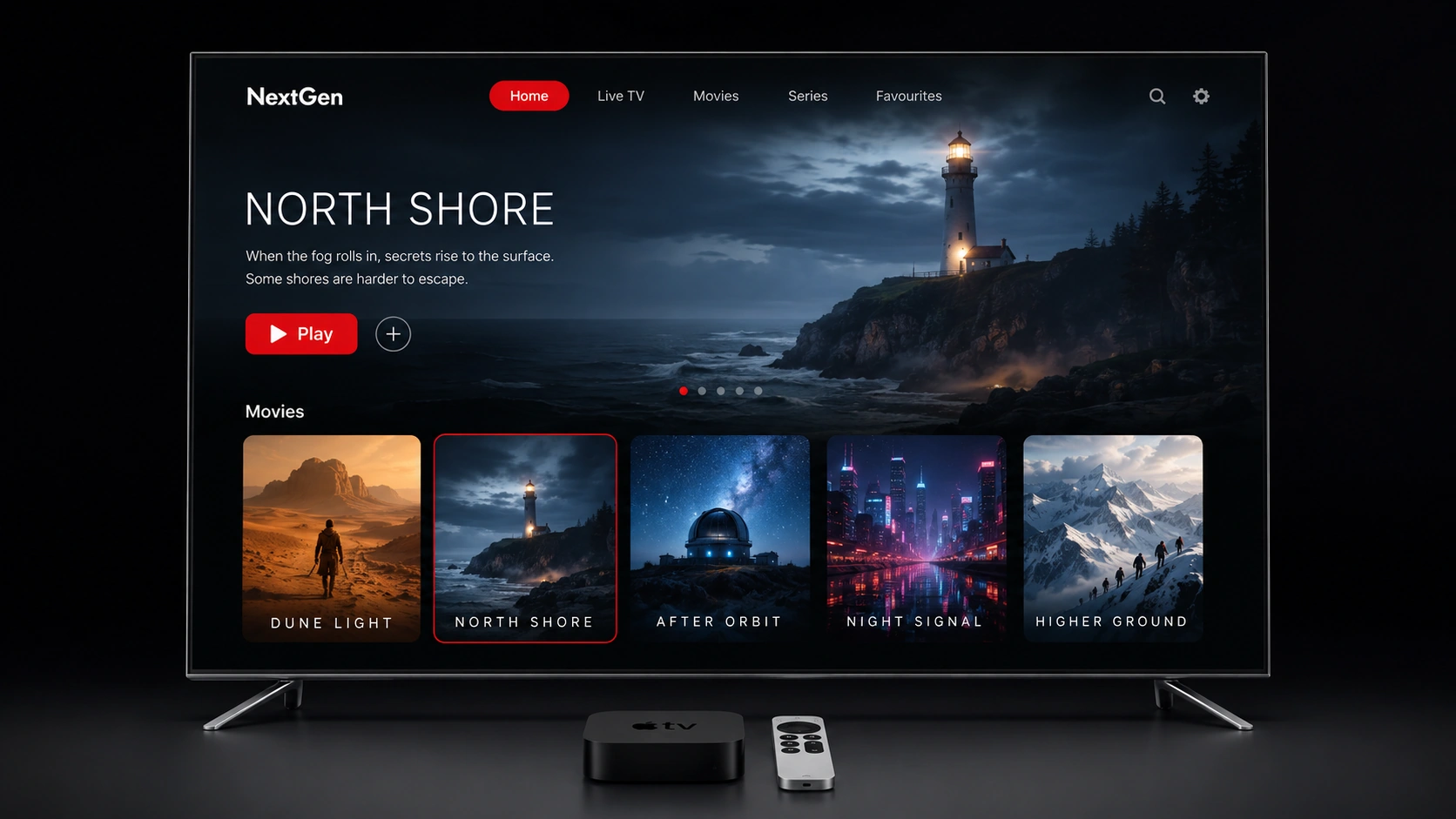
Move through Home, Live TV, Guide, Movies, Series, Search and Settings using Apple TV focus behaviour and the Siri Remote.
 NextGenIPTV PLAYERDownload
IPTV player for Apple TV
Bring lawful M3U and Xtream playlists you supply into a dark, focus-led Apple TV experience designed around the Siri Remote.

Player only. No channels or media included.
Designed for Apple TV
Apple TV is not treated like a stretched phone screen. Navigation, browsing and playback surfaces are arranged for distance, focus and the Siri Remote.
Move through Home, Live TV, Guide, Movies, Series, Search and Settings using Apple TV focus behaviour and the Siri Remote.
Use provider guide data or an optional custom XMLTV URL. Now/Next and guide matches depend on the identifiers and names supplied by your source.
Keep favourites, hidden items, watched state, playback progress and Continue Watching organised around the active profile.
Add a remote M3U or M3U8 URL, or connect using an Xtream base URL, username and password supplied by your lawful service.
Free supports one playlist. Pro adds multiple playlists and profiles for households that want separate organisation.
The Apple TV experience uses a dedicated dark appearance that keeps attention on navigation and playback.
Platform details
The same NextGen product principles apply across Apple devices, but these details are specific to the television experience.
Free and Pro
Pro unlocks player features only. It never includes playlists, subscriptions, channels or media.
Free
Pro
Clear boundaries